
The Complete Merchant Payments Platform
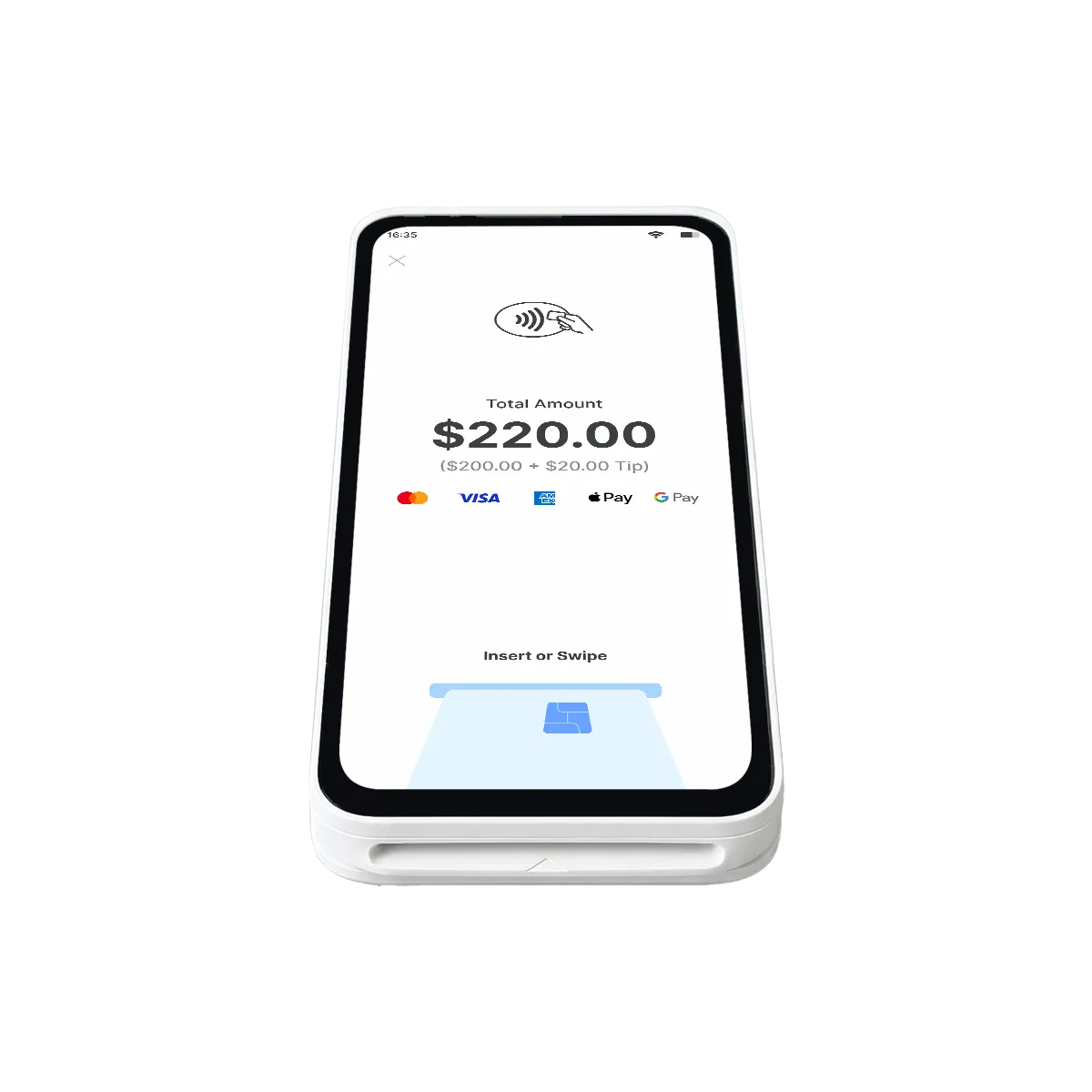
Process browser-based payments, store customer profiles, manage products, and keep billing organized.
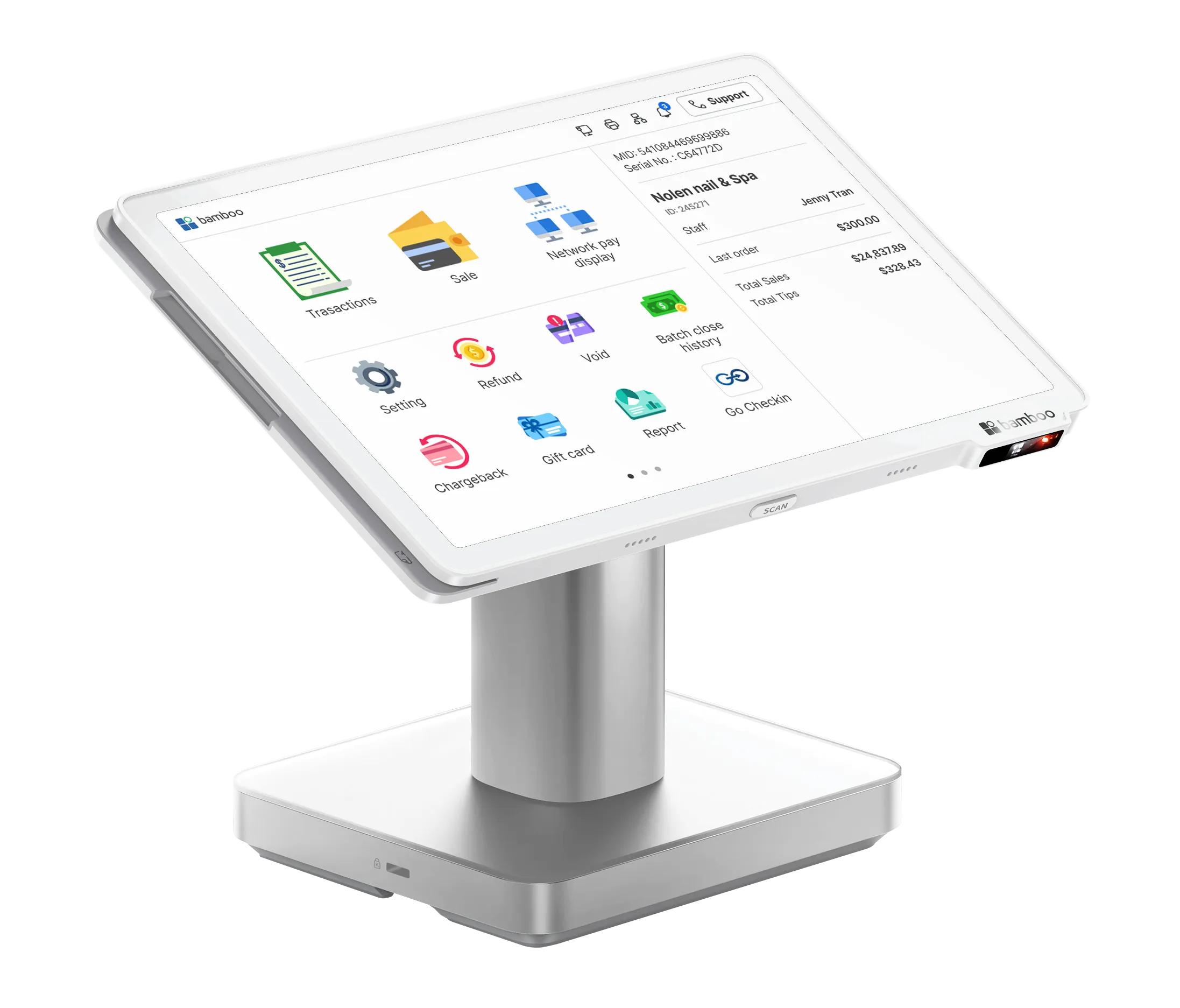


Tools merchants use
every day, all in one
platform
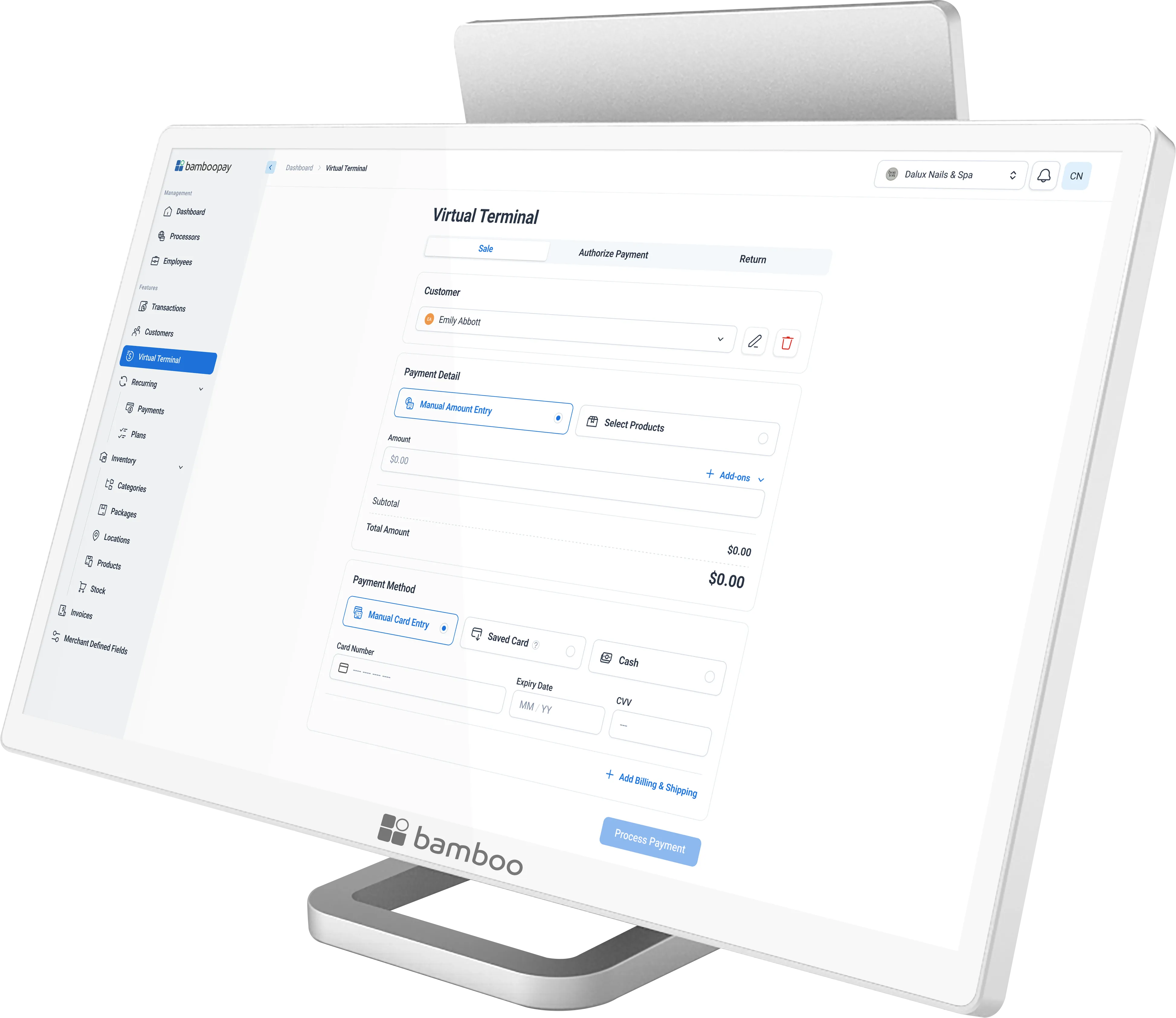
Virtual Terminal
Accept secure payments directly from the bamboopay web portal and process keyed transactions from any browser.
Recurring Billing
Automate payments on a daily, weekly, monthly, or annual schedule and reduce manual billing and missed payments.
Customer Manager
Store customer profiles, addresses, and payment methods securely for faster repeat transactions and subscriptions.
Product Manager
Manage product details, pricing, and SKUs in one place and keep your catalog organized across invoices and transactions.
Inventory Tools
Organize products by category, package, and location while tracking stock levels and low-inventory alerts.
Invoicing
Create and send invoices online, track payment status in real time, and let customers pay directly from the invoice.
Account Updater
Automatically update expired or replaced cards stored on file to reduce declines and protect recurring revenue.
7.0
Core Merchant Tools
99%
Uptime Reliability
2000+
Merchants Served
30+
Supported Features
1.0
Unified Platform
Secure browser-based payments from anywhere
Take payments directly from the bamboopay web portal without specialized hardware. Perfect for phone orders, remote collections, or front-desk staff who need a simple keyed-entry workflow.
- Accept secure payments directly from the bamboopay web portal
- Process keyed transactions from any browser
- Included with every bamboopay gateway account
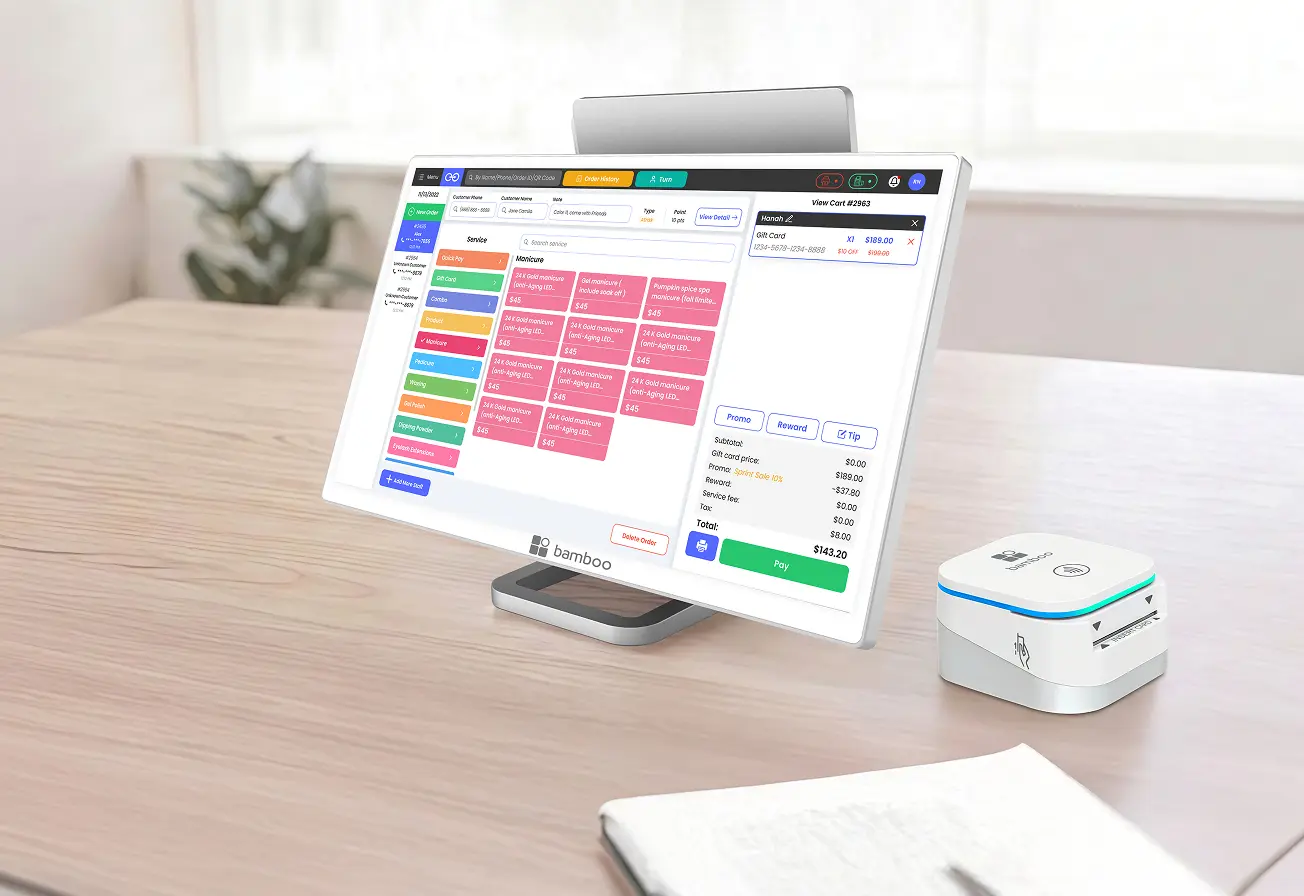
 Browser BasedSecure PaymentsQuick Entry
Put routine billing on autopilot
Schedule repeat payments around the way your business bills customers. bamboopay reduces manual collections and helps prevent missed payments across ongoing service relationships.
- Automate payments on daily, weekly, monthly, or annual schedules
- Reduce manual billing and missed payments
- Installment Plans: split payments into scheduled amounts
- Subscription Plans: automatically charge customers on a recurring schedule
Flexible SchedulesAutomatic ChargesFewer Missed Payments
Keep customer records and payment methods organized
Customer Manager centralizes profiles, addresses, and cards on file so your team can move faster on repeat sales, subscription billing, and card-on-file transactions.
- Store customer profiles, addresses, and payment methods securely
- Enable convenient card-on-file transactions
- Simplify repeat payments and subscription billing
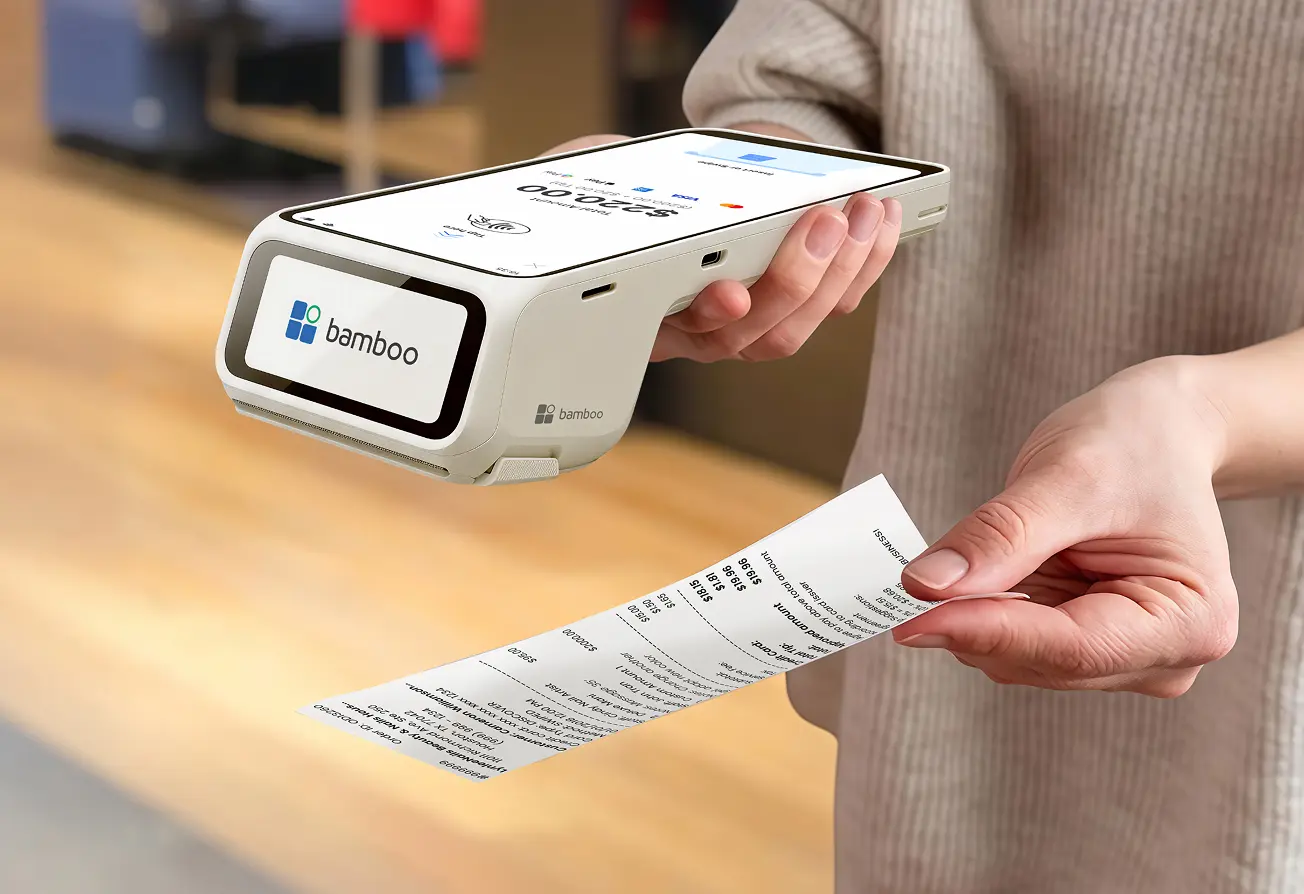 Stored ProfilesCard on FileSecure Storage
Control product details, pricing, and SKUs in one place
Keep your catalog organized across invoices and transactions with a product manager that gives your team one reliable source of product truth.
- Manage product details, pricing, and SKUs in one place
- Maintain an organized product catalog across invoices and transactions
Stock TrackingLow Inventory Alerts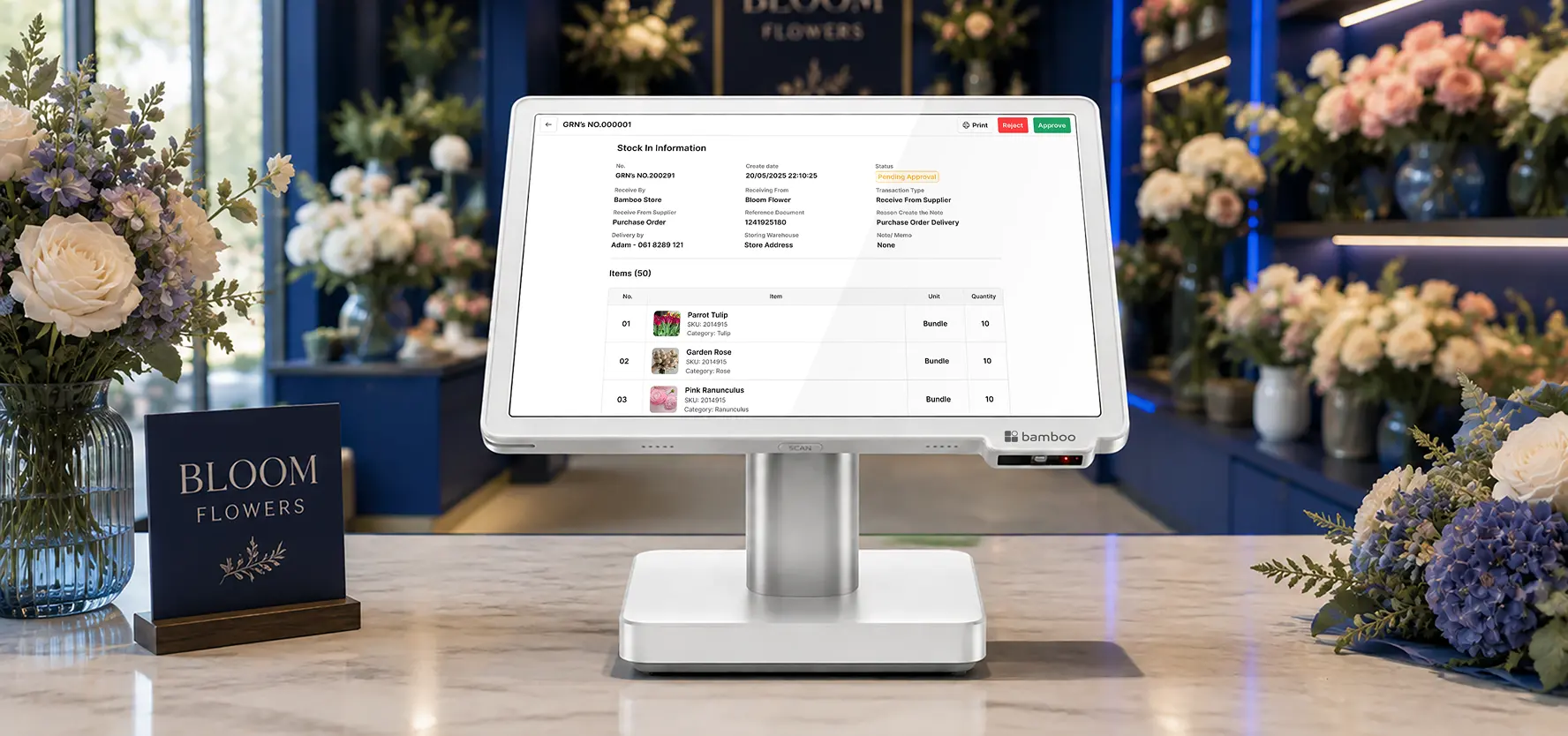
Track stock by category, package, and location
Inventory tools help teams stay ahead of stock issues by organizing products clearly and surfacing low-inventory alerts before they become problems.
- Organize products by category, package, and location
- Track stock levels and receive low-inventory alerts
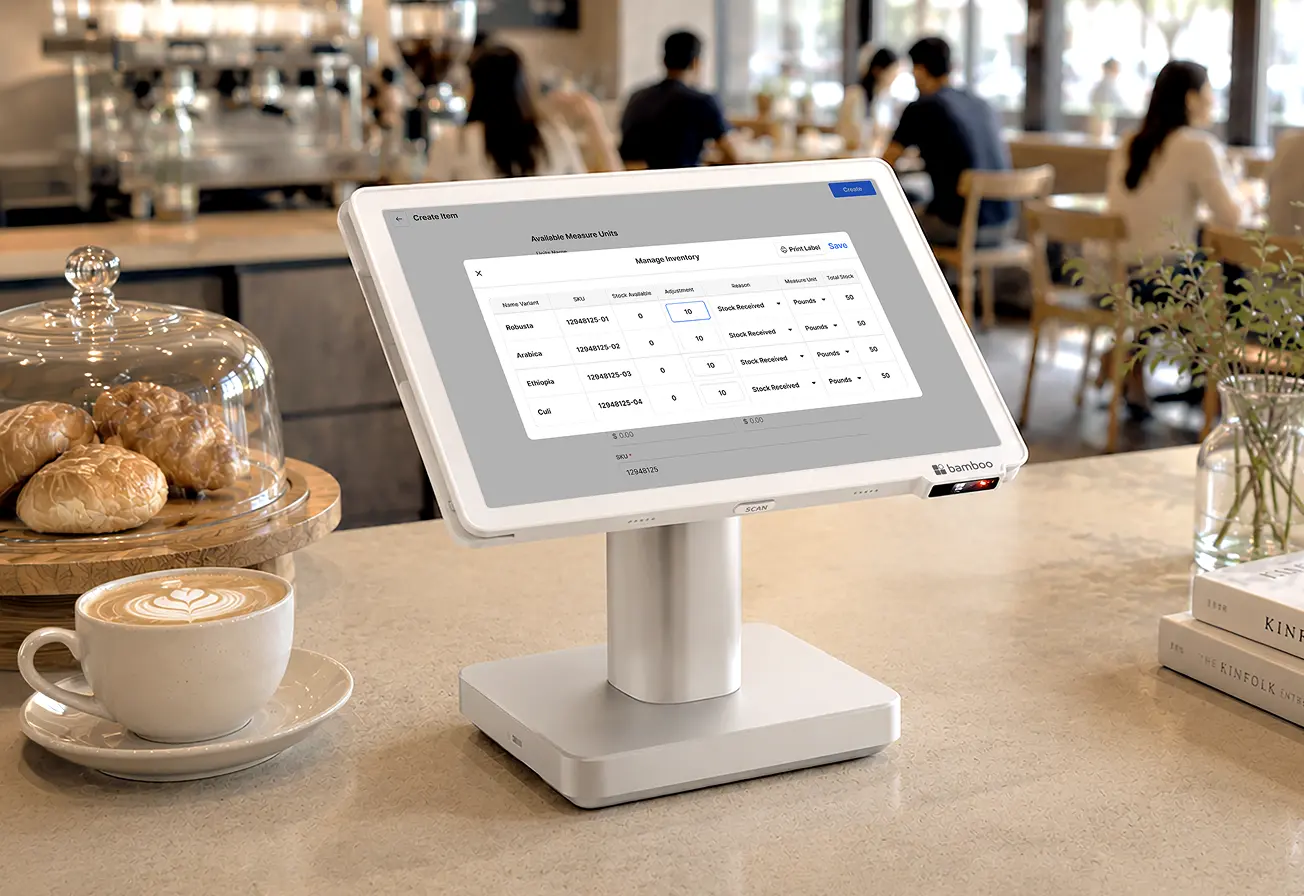 Stock TrackingLow Inventory Alerts
Send invoices online and get paid faster
Create invoices directly from the bamboopay platform, let customers pay online, and track payment status in real time.
- Create and send invoices directly from the bamboopay platform
- Allow customers to pay invoices online
- Track payment status in real time
Online InvoicesReal-Time StatusOnline Payments
Automatically keep stored cards current
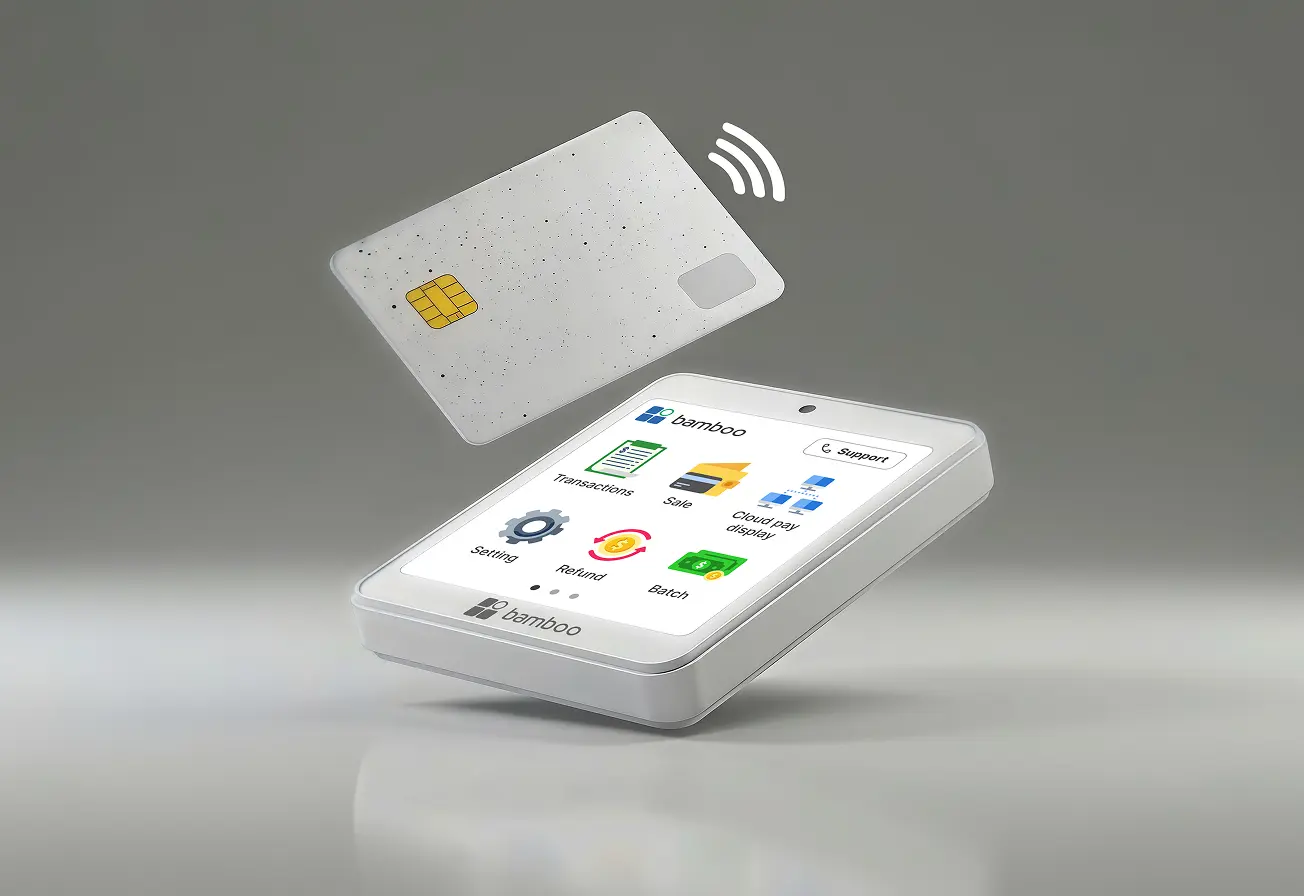
Account Updater helps reduce declines by automatically updating expired or replaced cards stored on file, protecting your recurring billing and subscription revenue.
- Automatically update expired or replaced cards stored on file
- Reduce declined transactions and protect recurring payments
 Auto Card RefreshFewer DeclinesRevenue Protection
One login for payments, billing, customers, products, inventory, and invoicing

Customer Data
Save customer profiles and payment methods securely so repeat purchases, subscriptions, and follow-up billing take fewer steps.

Catalog & Inventory
Keep pricing, SKUs, categories, and stock levels synchronized so invoicing and transaction records stay organized.

Account Updater
Automatically refresh expired or replaced cards on file to protect recurring billing and reduce avoidable declines.